Every line you marked, somewhere you can find it
Highlights made on a Kobo tend to stay on the Kobo. Bookcanon brings them out, with your notes, into one place you can search, reread and take with you.
Quotes
All of them, book by book
Your highlights and notes sit together on one page: by book, in the order they come in the book, with the chapter and the day you marked them. Or the latest first, across everything.
Search for the half-remembered sentence and find which book it was in.
- Highlights, notes and bookmarks
- Search across every book
- Shown on each book’s own page too

Take them with you
Out as Markdown, into your notes
One download gives you every highlight and note as a Markdown file: a heading for each book and chapter, each quote with its day. It opens as it is in Obsidian, Logseq, Notion or a plain text editor.
Your words stay yours, in a format that will still open in thirty years.
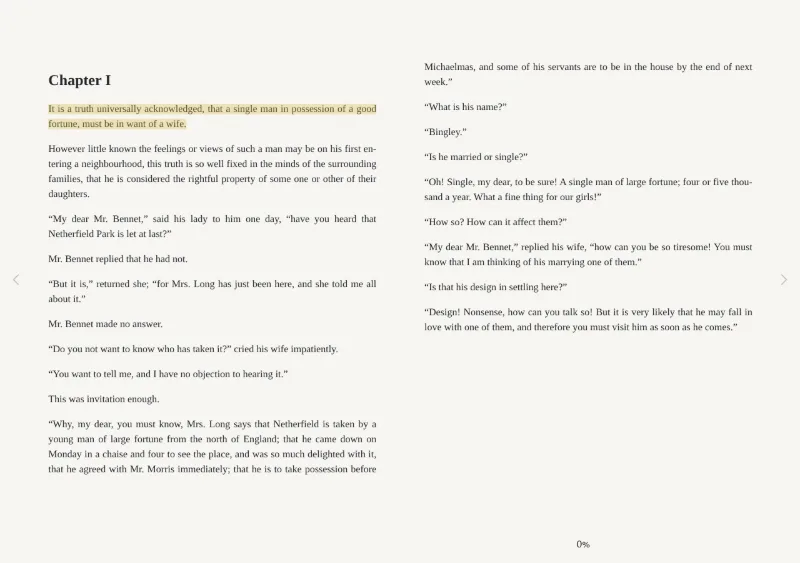
From the Kobo
Brought in from the Kobo itself
Copy your Kobo’s database file into Bookcanon and every highlight it holds is imported with its place in the book, sideloaded books included.
In the beta, highlights can also arrive as the Kobo syncs, and the ones you make in the browser reader can show up on the Kobo. That part is still experimental, and we say so.

Questions
Kobo highlights, answered
How do I export highlights from a Kobo?
With Bookcanon, you copy the Kobo’s database file (KoboReader.sqlite) off the Kobo over USB and drop it on Bookcanon’s Import page. Your highlights and notes are read from it, and you can then download them all as one Markdown file.
Does it work for sideloaded books?
Yes. Highlights in books you copied to the Kobo yourself are in its database like any others, and are imported with them.
Can I get my Kobo highlights into Obsidian?
Yes. The export is plain Markdown, with a heading for each book and chapter, and opens in Obsidian or any other notes app as it is.
Is anything changed on my Kobo?
No. The import reads a copy of the Kobo’s database and deletes that copy once it is read. The Kobo’s own file is never touched.
Are my highlights private?
Yes. They are part of your own record and are never on a public page, even when you share your year in review.
Private beta
Your next sync could be the first one that remembers.
Bookcanon is opening to a few readers at a time. Leave your address and we’ll write once, when there’s a place for you.
- Joining the list is free and commits you to nothing
- Your address is used for the invitation only
- Take your name off whenever you like